


Lands Design expands Rhino into a complete environment for landscape architecture.
It combines free Rhino modeling with specialized tools for terrain modeling, vegetation, paths, fences, walls, urban furniture, and landscape BIM information, thereby creating a seamless workflow from the conceptual phase to detailed development..
With more than 8,000 plant species, realistic growth and seasonal simulations, as well as precise terrain tools, Lands Design enables the professional planning of gardens, parks, urban landscapes, and large projects..
Automatically generated 2D plans, sections, plant lists, and quantities remain linked to the 3D model at all times, ensuring efficient documentation and execution planning..
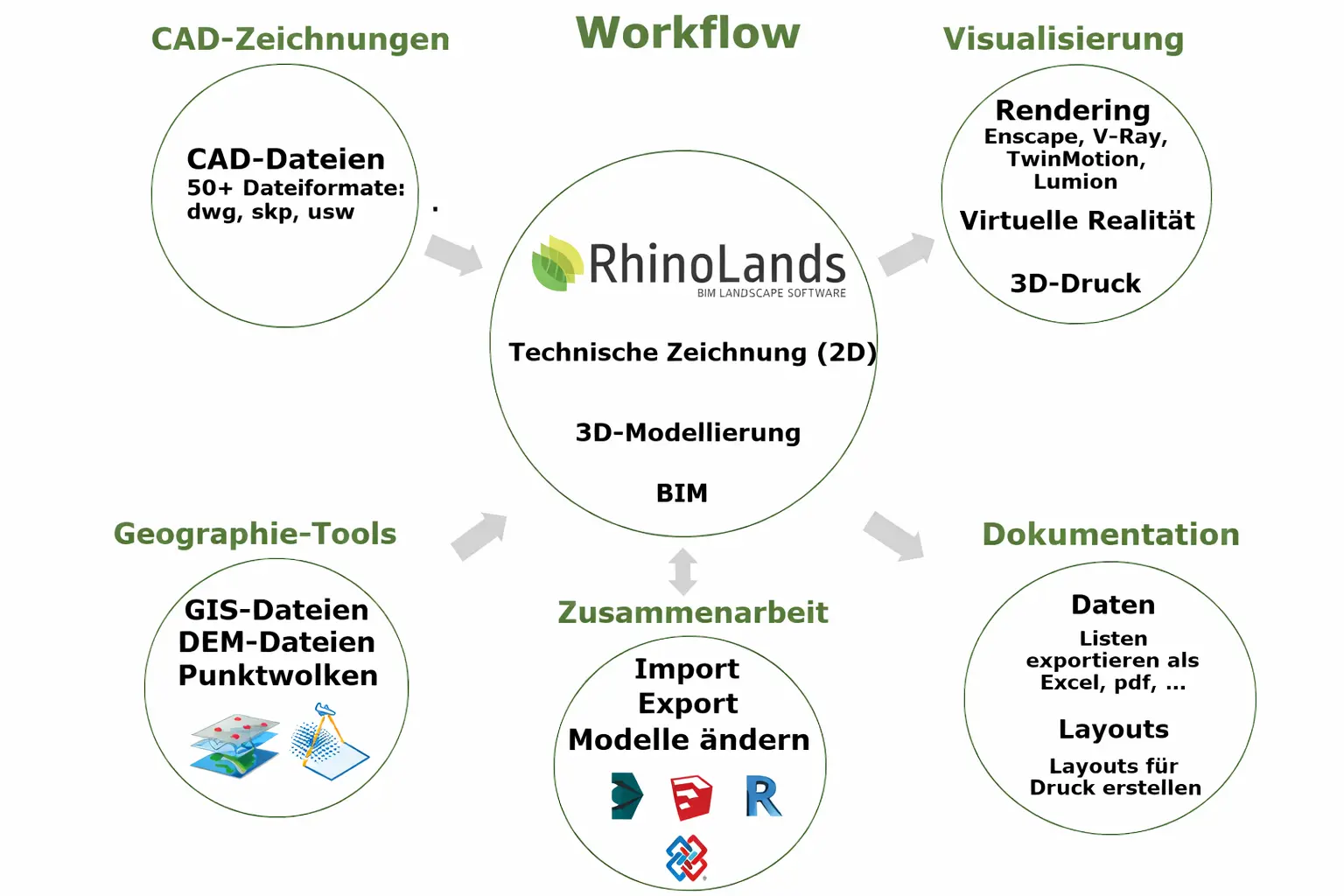
Thanks to the support of numerous formats such as IFC, DWG, SKP, or 3DM, as well as compatibility with leading rendering engines like Enscape, V-Ray, Twinmotion, and Lumion, Lands Design can be flexibly integrated into existing AEC workflows..
A typical workflow with RhinoLands:
Why RhinoLands?
Landscape architecture
With RhinoLands, landscape planning projects of various sizes and industries can be easily realized. It is your powerful tool in the planning process for creating 2D layouts, 3D models, as well as realistic images and videos.
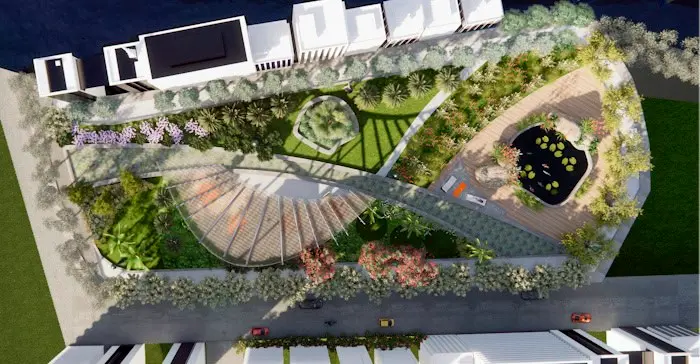
Green infrastructure natural areas can be used as
Serve infrastructure and protect the built environment from pollution, flooding, or extreme heat. With RhinoLands, you can integrate vertical gardens, green roofs, and green spaces into your architecture and civil engineering projects.

Forstwirtschaft
Die leistungsstarken
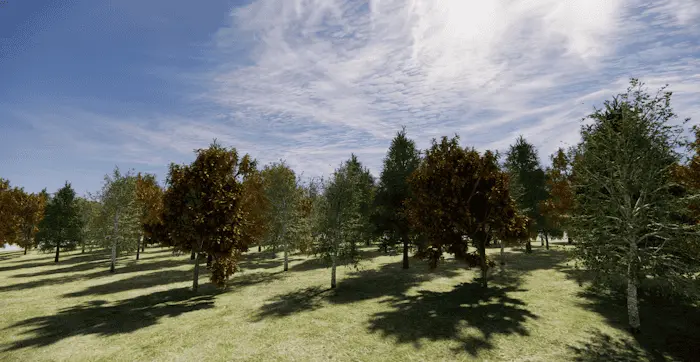
Tools for terrain modeling, forest planning, and irrigation, as well as tools for landscape design, can be used in the planning process and modeling of forests in the forestry sector. BIM technology visualizes seasonal changes and the annual growth of plants.
Stadtplanung
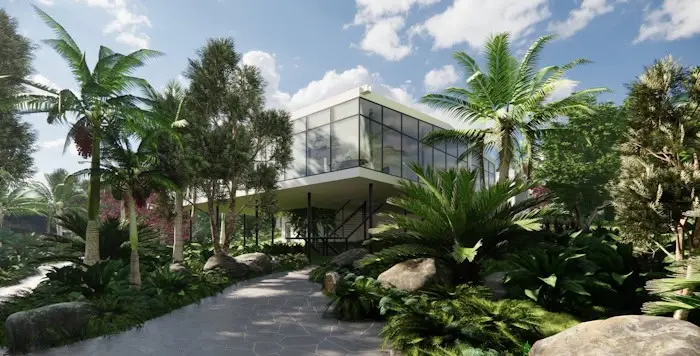
Urban greening plays a key role in improving the quality of life in built environments. RhinoLands supports you in integrating plants as essential natural elements in urban planning projects and helps you design public spaces in connection with green areas, make the right plant selections, and visualize the urban area in different seasons.

CG-Künstler
RhinoLands is suitable for creating environments for computer graphics (CG) artists. You can create 2D and 3D game graphics that can be used in the development of video games, 3D visualizations, and digitally animated films.
Large 2D and 3D Plant Library
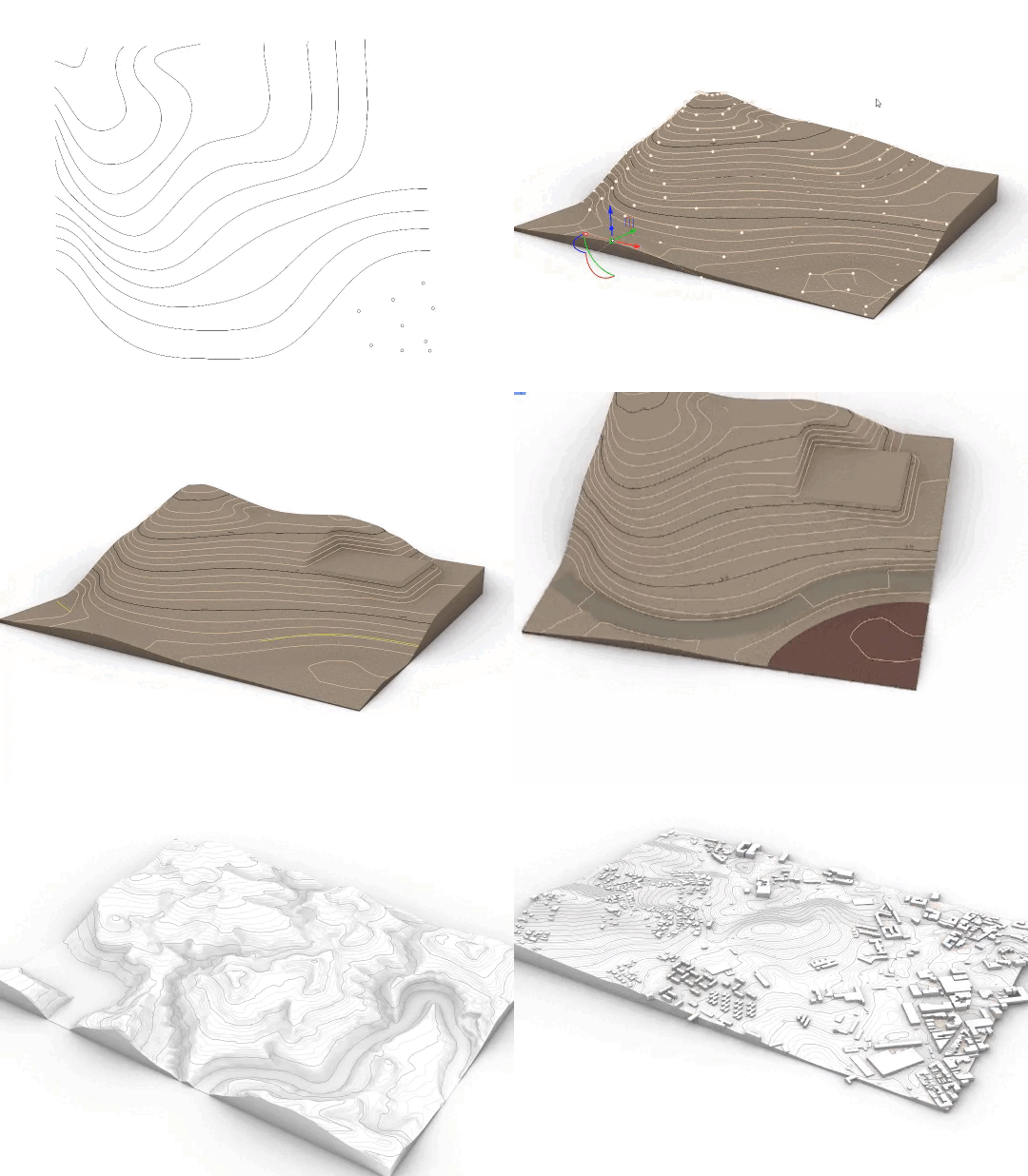
Modern Tools for Terrain and Earthworks
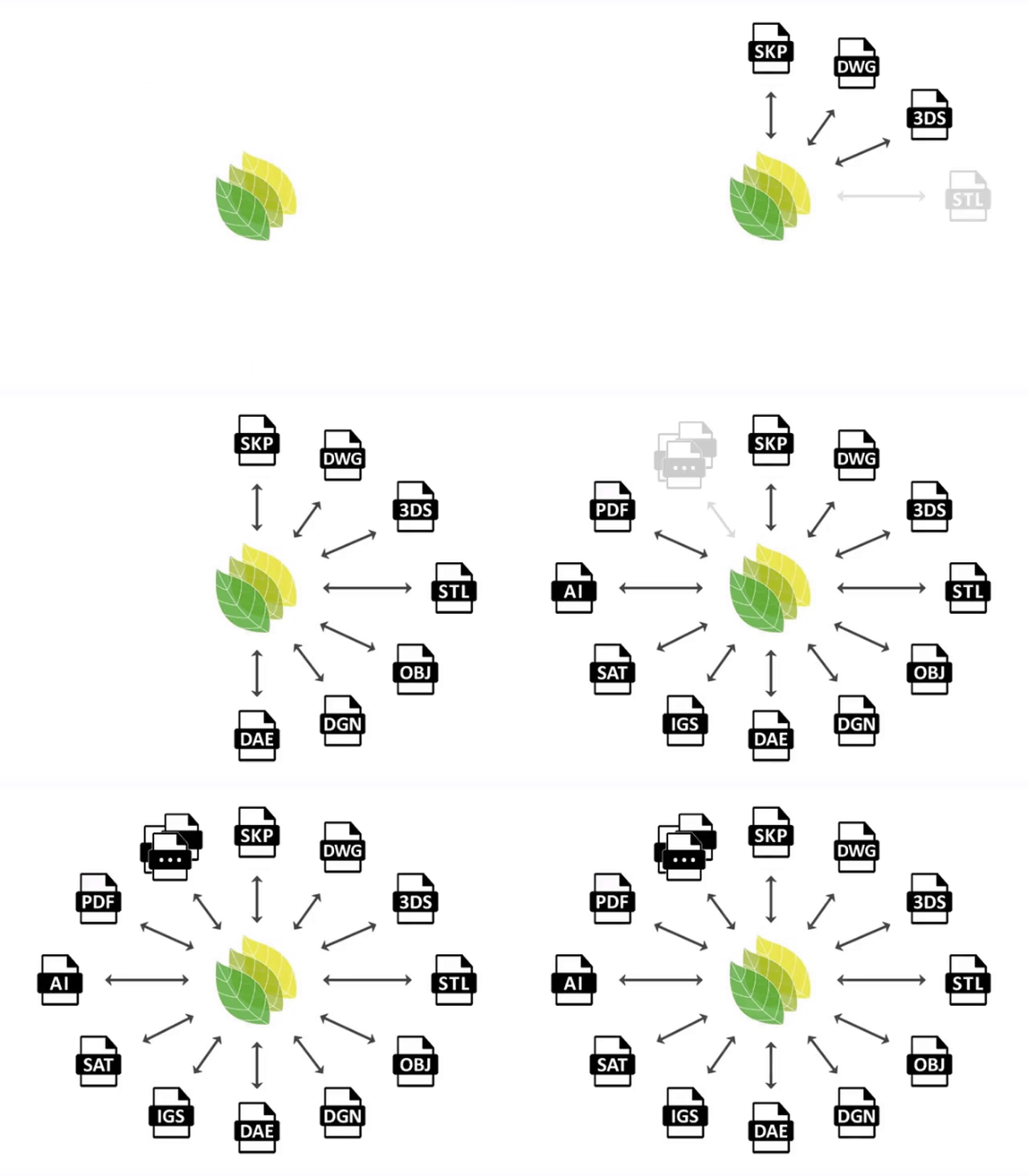
Improved interoperability
Greifen Sie auf über 8.000 Pflanzenarten zu und finden Sie dank Filteroptionen wie Klima, Boden, Windbeständigkeit und Blüte schnell die passende Auswahl.
Für jede Art stehen flexible 2D- und 3D-Darstellungen bereit – ideal für Renderings, Planexporte sowie die Simulation von Jahreszeiten und Wachstum.
With the dynamic terrain and grading tools from RhinoLands, you can create and edit precise 3D terrains from various data sources.
Additions and subtractions, paths and openings, as well as area and volume calculations can be easily performed automatically.
With RhinoLands, you can effortlessly import and export files across platforms. You can easily integrate web block libraries. Transfer your project to virtual reality, prepare it for 3D printing, or export it for web browsers. Benefit from versatile sharing options..
Large 2D and 3D Plant Library
Modern Tools for Terrain and Earthworks
Improved interoperability
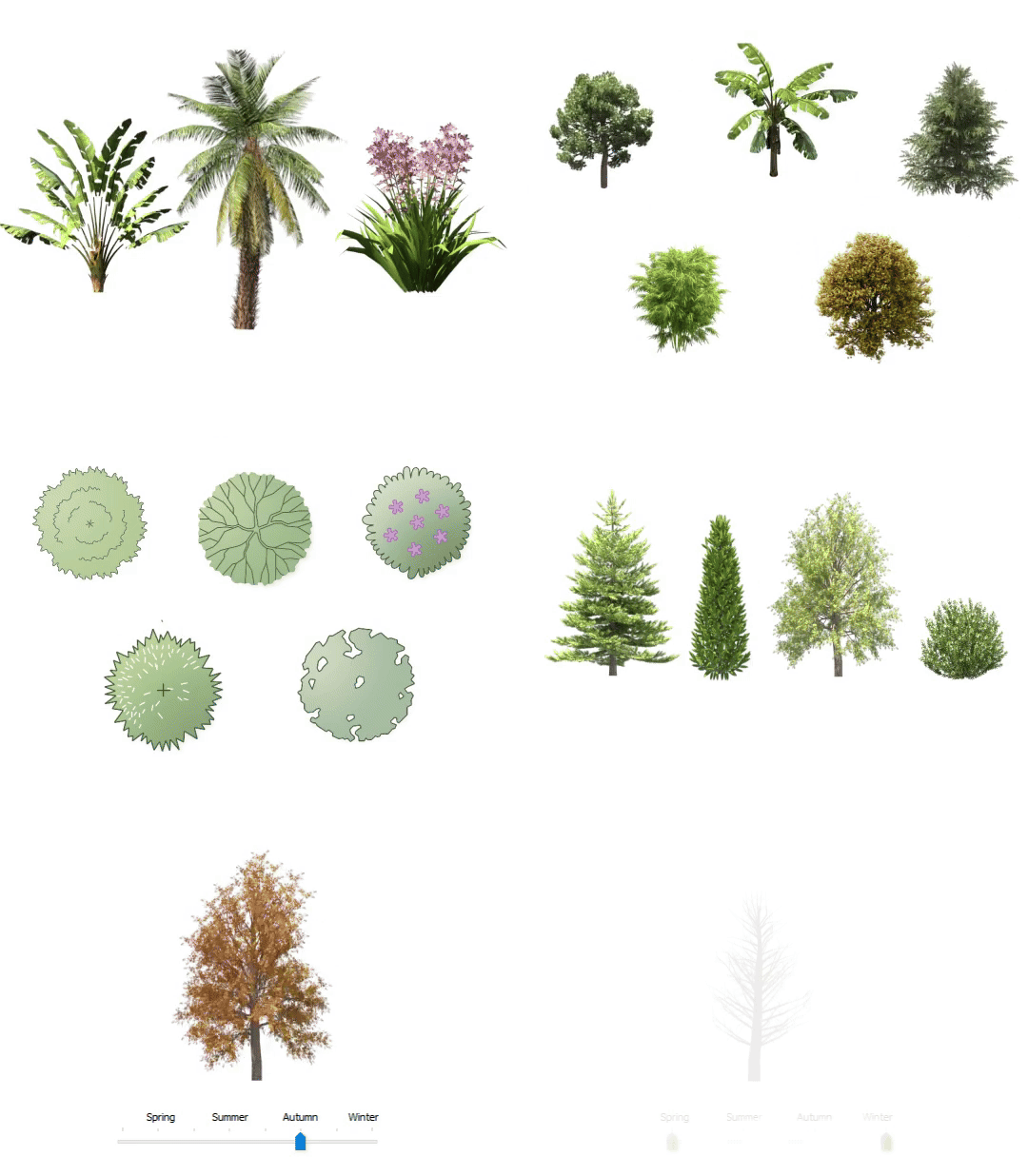
Access over 8,000 plant species and quickly find the right selection thanks to filter options like climate, soil, wind resistance, and flowering.
Flexible 2D and 3D representations are available for every type – ideal for renderings, plan exports, as well as the simulation of seasons and growth.
With the dynamic terrain and grading tools from RhinoLands, you can create and edit precise 3D terrains from various data sources.
Additions and subtractions, paths and openings, as well as area and volume calculations can be easily performed automatically.
Mit RhinoLands lassen sich Dateien mühelos plattformübergreifend importieren und exportieren. Web-Blockbibliotheken können Sie problemlos integrieren. Übertragen Sie Ihr Projekt in die virtuelle Realität, bereiten Sie es für den 3D-Druck vor oder exportieren Sie es für Webbrowser. Profitieren Sie von vielseitigen Freigabeoptionen.
Licensing policy
- Im wesentlichen orientiert sich die Lizenzvergabe an Rhino.
Lizenzbestätigung:
- Online Verbindungen zur Lizenzbestätigung sind absolut sicher (HTTPS).
- Folgende persönliche Informationen werden beim Bestätigen einer Lizenz gesendet: Lizenzschlüssel, E-Mail, Name und Unternehmen.
- Ein beim Bestätigen einer Lizenz erstellter alphanumerischer Anforderungscode wird gesendet. Dieser Code enthält eine generierte Geräte-ID-Nummer zur Identifizierung des für die Betreibung von Lands Design autorisierten Computers.
System requirements
Operating System
| Windows 11 Windows 10 |
Hardware
| 64-bit Intel or AMD processor (Not ARM) 8 GB (RAM) memory 5 GB disk space Display card: 4 GB OpenGL 4.1 capable GPU |
Licenses
- Taxes are not included in the prices.
- Support is included in the prices.
- Permanent licenses include service releases. Maintenance fees do not apply.